Cash App
A visual walkthrough of a mobile payment sequence, captured screen by screen from amount entry to transfer confirmation.
What the images show
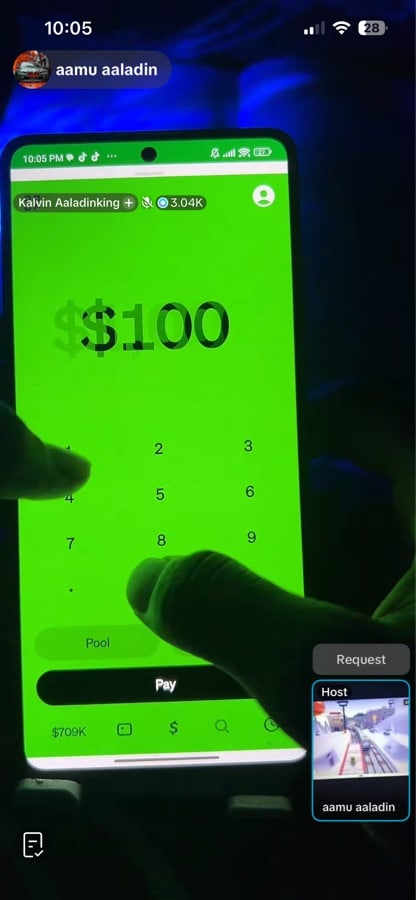
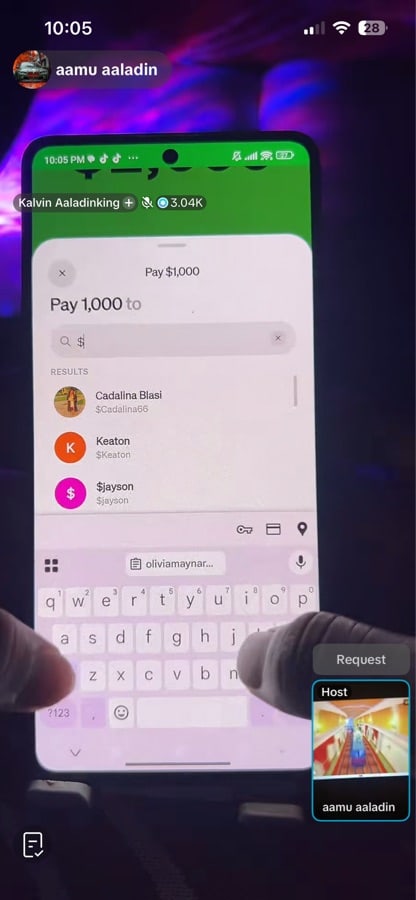
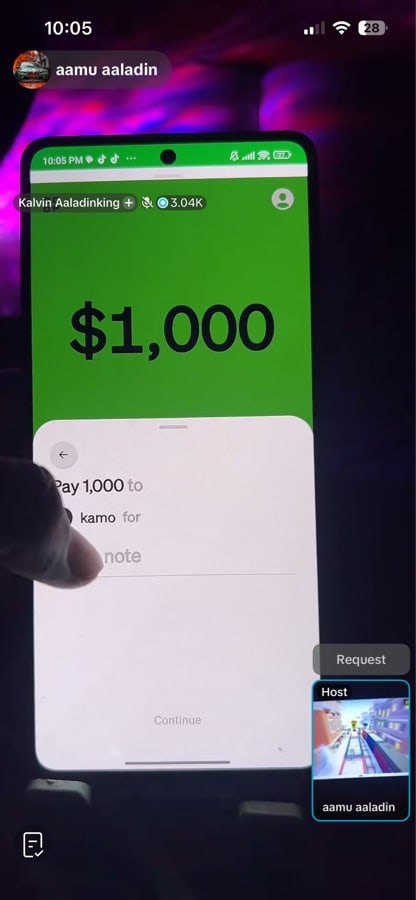
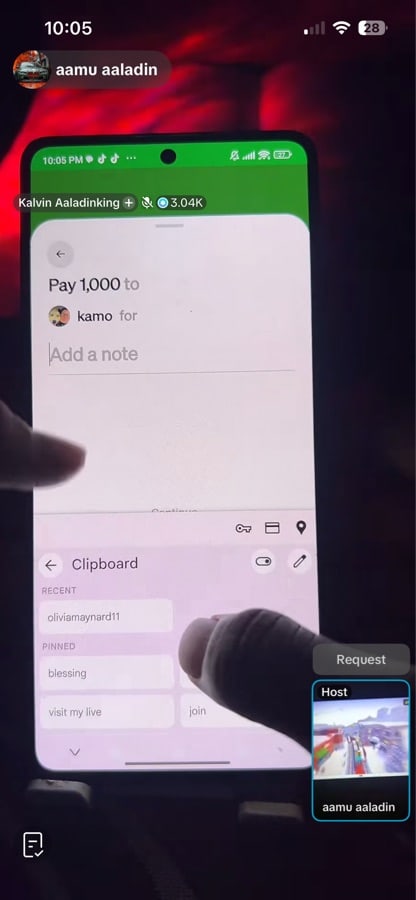
The photos focus on a Cash App payment flow. Visible screens include amount entry, recipient search, note entry, payment approval, and confirmation.
Amount entry
The opening screens show a bright green Cash App interface with payment amounts visible, including $100 and $1,000.
Recipient search
One image shows the “Pay $1,000” screen with search results and names such as Cadalina Blasi, Keaton, and $jayson.
Sending to a contact
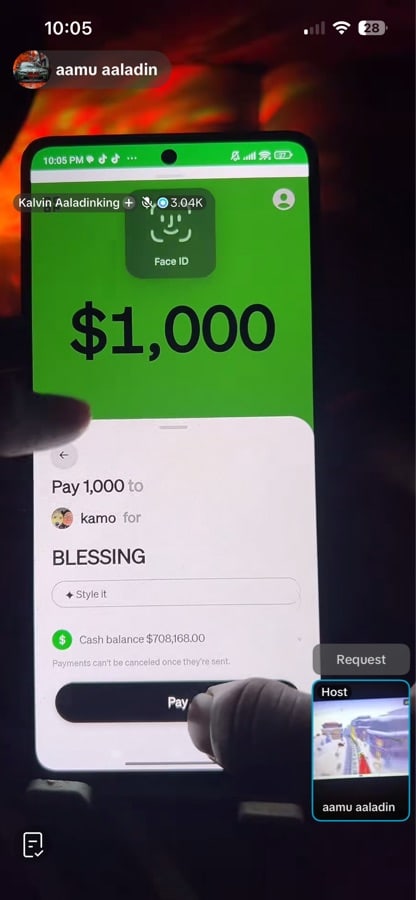
The next screens show a payment being prepared for a contact labeled “kamo,” with note entry visible.
Confirmation screens
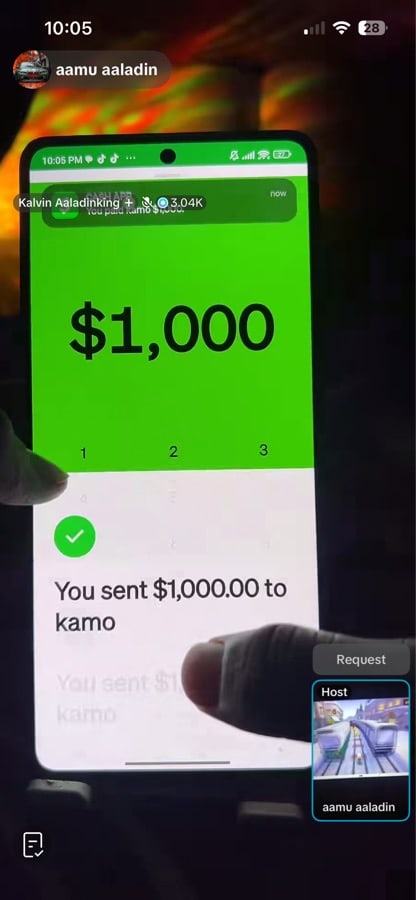
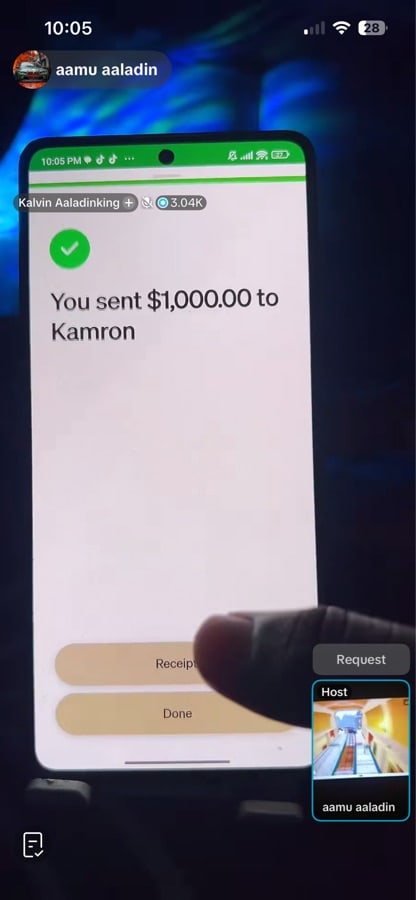
Later images show the payment note “BLESSING,” a Face ID prompt, and final confirmation messages stating that $1,000.00 was sent.
Gallery
Browse all seven images from the payment sequence.
Visible details
- Amounts shown: $100 and $1,000
- Recipient labels visible: kamo and Kamron
- Note shown: BLESSING
- Confirmation message visible: “You sent $1,000.00”
Contact
No verified contact details, address, or business hours are visible in the provided images.